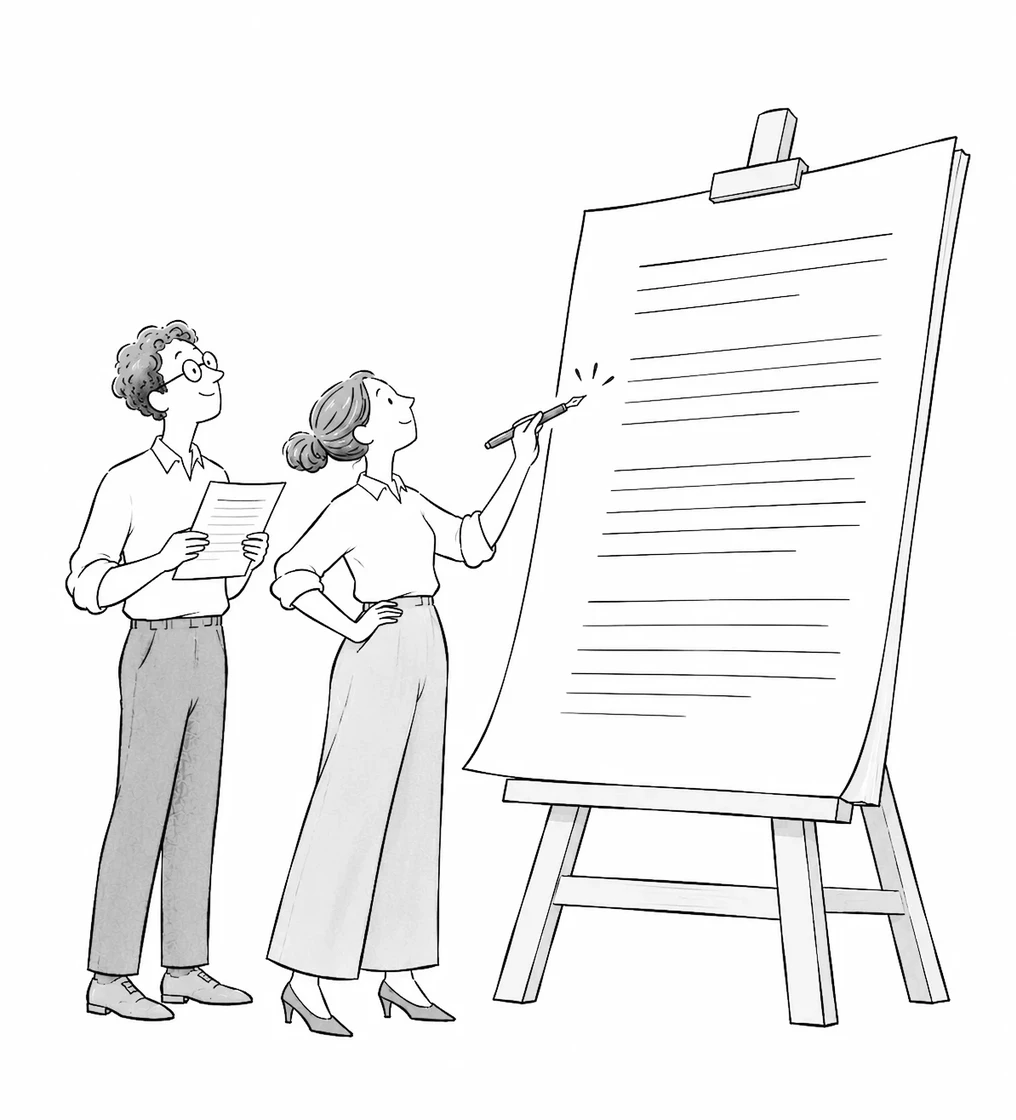
Drafts from your matter, cited to the page
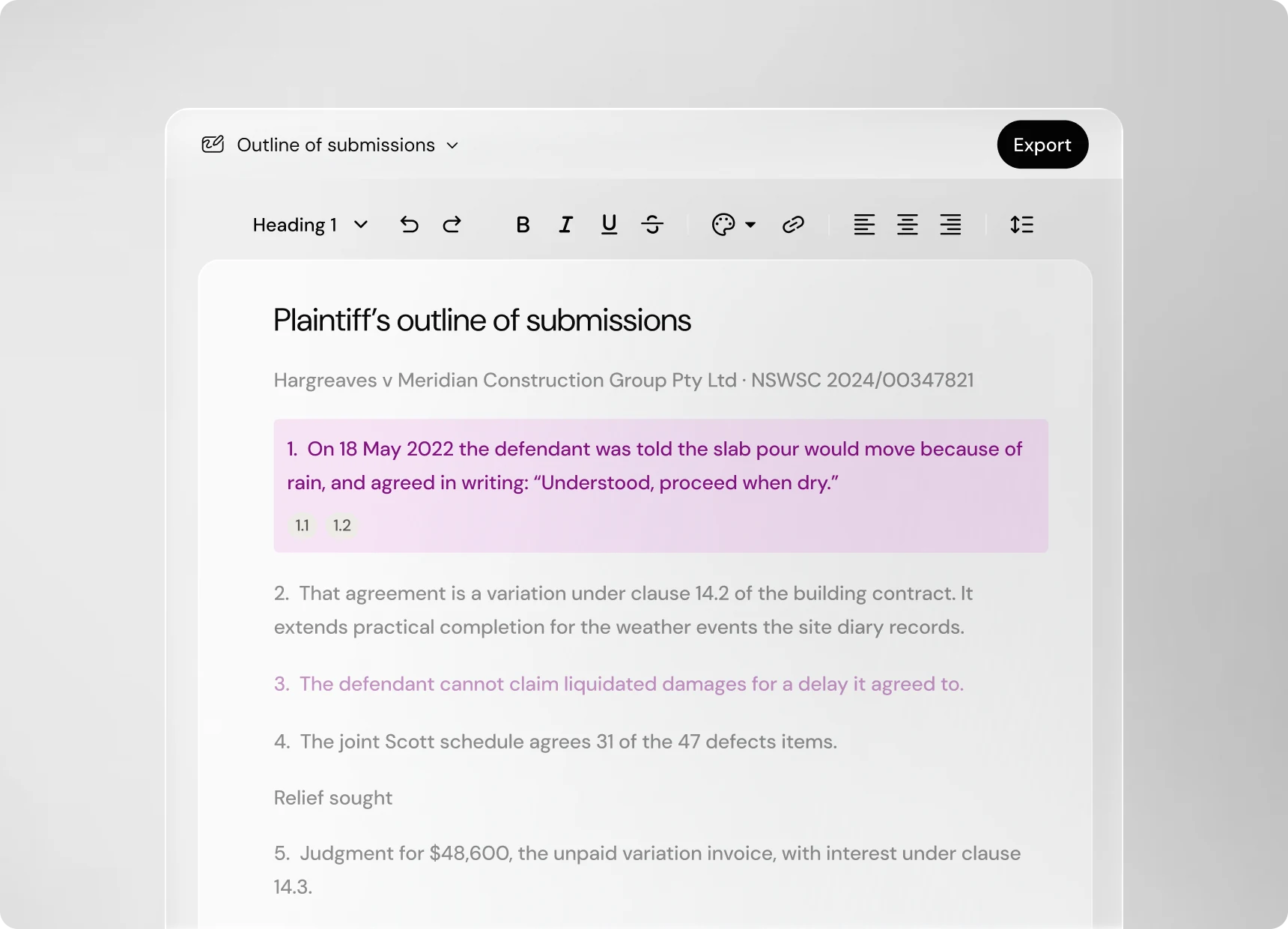
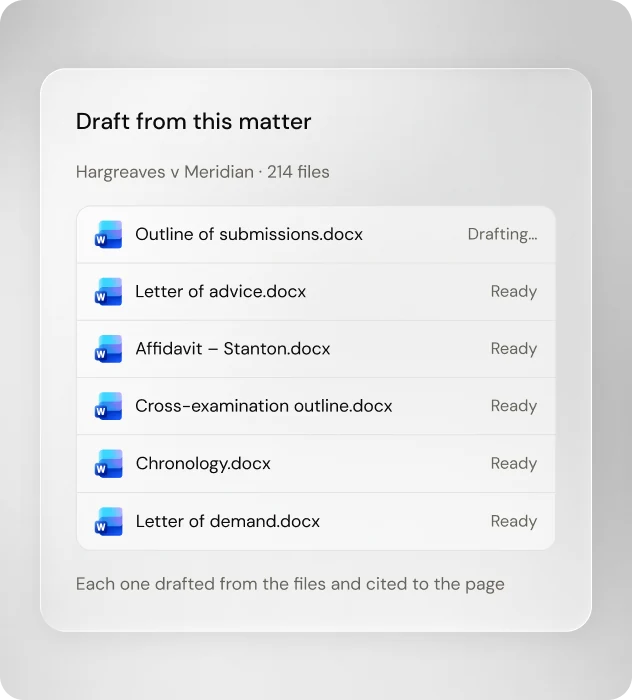
Draft letters and submissions from your matter files, with help drafting affidavits. Review suggested edits in Juriton’s editor and check citations against the source.
What pilot participants reported
Reported the same or better quality
Felt more confident preparing a matter
Estimated weekly time saved, reported in pilot interviews
A first draft you can check against the file
Start with the files in your matter. Review suggested edits and open the sources before you settle the draft.
Suggested edits, not rewrites
Ask for a change to one paragraph, then decide whether to keep the suggestion.
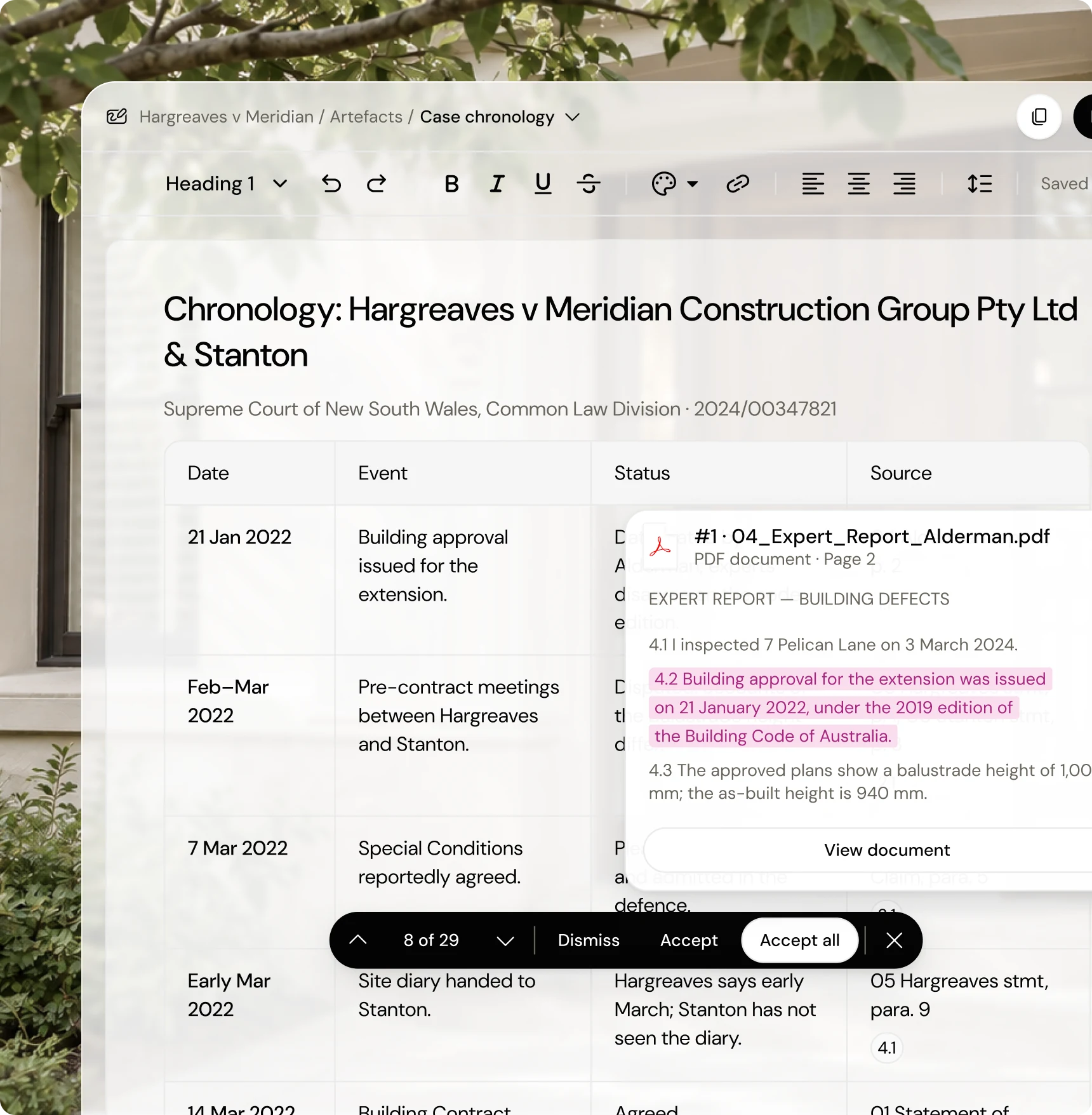
Cited to the page
Open the source from a citation and check that it supports the draft.
How it works
From your request to a draft you can review.
Ask
Say what you need to draft.
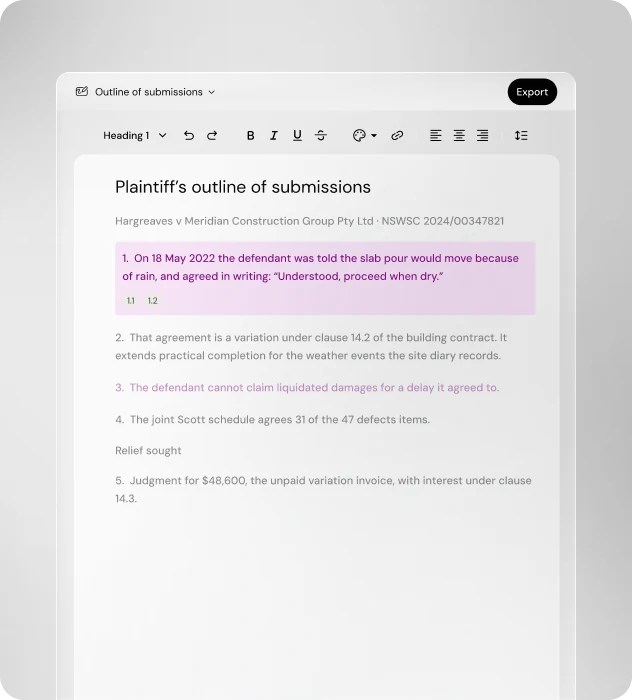
Draft
Juriton prepares a draft from the files in your matter.
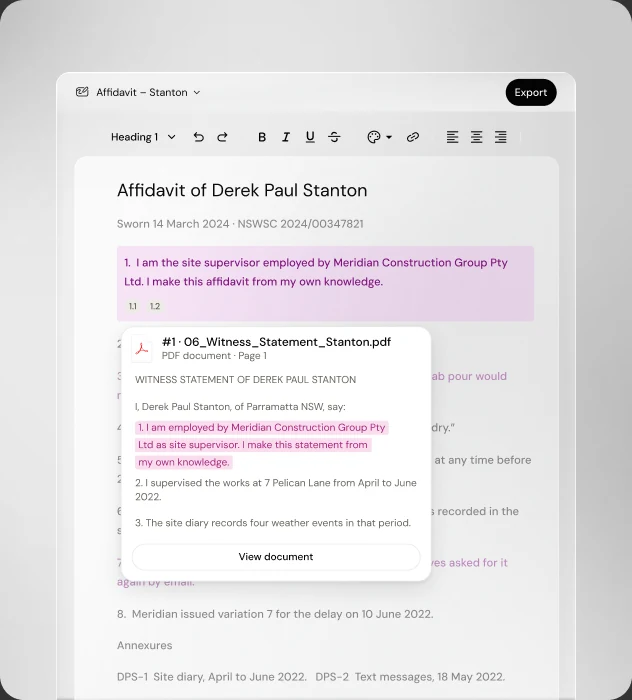
Review
Accept, reject or reword each suggested edit.
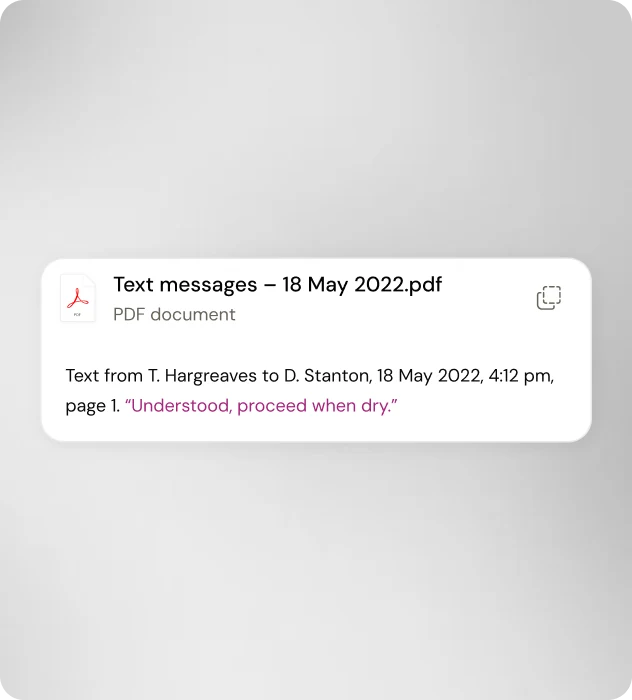
Check
Open the cited passages and check they support the draft.
What you can draft
Ask for it the way you’d brief a junior.
Letters
“Draft a letter of demand to Meridian for the unpaid variations.”
Advice
“Write advice to Mr Hargreaves on the variation claim, two pages.”
Affidavits
“Help me draft Stanton’s affidavit from his statement and the site diary.”
Submissions
“Outline our submissions on the delay claim, with authorities.”
Cross-examination
“Prepare cross-examination questions for Mr Alderman.”
Chronologies
“Build a master chronology from the court book.”
Summaries
“A one-page case summary for counsel.”
Offers
“Draft a without-prejudice offer with the costs position.”
Schedules
“A defects schedule with the evidence for and against each item.”
Witness statements
“Help me draft Hargreaves’s statement from his proof of evidence.”
Edits
“Make paragraph 3 shorter and keep the citations.”
Briefs
“Brief to counsel with the court book index attached.”
Strong advocacy begins with meticulous preparation.
Vanessa PlainCo-founder

FAQ
Does it work with Word?
Will it change my document without asking?
How do I check a citation?
What if it can’t find a source?
What can it draft?
Can it follow my firm’s precedent?
Can I change just one paragraph?
How much does Juriton cost?
Live demo · 30 min
See how Juriton works for you
- 30 minutes. No client files required.
- Choose the work you want to see during the demo
- Get direct access to Juriton during the demo
 30 minutes. No client files required.